
Samsung TV Buying Guide Kenya: Which TV Should You Buy?
Buying a new television is easier when you understand what separates one model from another. Samsung offers televisions with different screen technologies, resolutions, sizes and features, making it possible to find an option for different homes, entertainment preferences and budgets. However, with choices such as Crystal UHD, QLED, Neo QLED, OLED, Mini LED and 8K TVs, deciding which television to buy can feel overwhelming.
This Samsung TV buying guide Kenya is designed to help shoppers make an informed decision. We explain the main differences between Samsung TV technologies, discuss the features worth considering before making a purchase, and look at how to choose a television for movies, sports, gaming, everyday viewing and professional use.
At Samsung Brand Store Kenya, our television range includes 4K Neo QLED TVs, 4K QLED TVs, 4K UHD LED TVs, 8K Neo QLED TVs, Full HD TVs, OLED TVs, Mini LED TVs, Micro RGB TVs and interactive screens. Understanding what each category offers will help narrow down the options and make the buying process more straightforward.
1. What Should You Consider When Buying a Samsung TV?
Before comparing individual technologies, consider how the television will be used. A TV for a small bedroom may have different requirements from one intended for a spacious living room or a dedicated home entertainment area.
The best television is not necessarily the most expensive model. It is the one that meets the viewing requirements, fits the available space and offers features that will be useful over time.
Screen Size and Viewing Distance
Screen size is one of the first things to consider. Samsung televisions are available in different sizes, but choosing the right one involves more than simply buying the largest screen that fits the budget.
A smaller television may work well in a bedroom, kitchen or compact living space. A larger screen can provide a more immersive experience in a spacious living room, particularly when watching movies, live sports or playing video games.
Consider the distance between the television and the main seating area. A screen that is too small may make details difficult to appreciate from far away, while a very large screen can feel overwhelming if viewers sit close to it.
Measure the available wall or TV stand before selecting a model. Remember to account for the television's full width, stand dimensions and the space required for cables and other connected devices.
Picture Quality and Resolution
Resolution refers to the number of pixels used to create an image. Generally, a higher resolution can provide more detail, especially on larger screens and when viewing suitable high-resolution content.
Full HD televisions offer a resolution of 1920 × 1080 pixels. 4K UHD televisions provide 3840 × 2160 pixels, while 8K televisions offer 7680 × 4320 pixels.
However, resolution is only one part of picture quality. Brightness, contrast, colour reproduction, screen technology and the quality of the content also influence what viewers see.
For many households, a 4K television offers a practical balance between detail and access to compatible content. An 8K television may appeal to buyers looking for a premium display, but it is worth considering how much suitable 8K content is available for the programmes and services they use.
Screen Technology
Screen technology affects how a television produces colours, displays dark scenes and handles bright images. Samsung's TV range includes several technologies designed for different viewing preferences.
LED-based televisions use a backlight to illuminate the screen. QLED televisions use a quantum-dot layer to enhance colour reproduction, while Neo QLED models use Mini LED backlighting in applicable models for more precise control of light.
OLED televisions use self-emissive pixels, allowing individual pixels to switch off when displaying black. Micro RGB is another display technology category, designed around individually controlled red, green and blue light sources.
These technologies have different strengths. The right choice depends on viewing conditions, the type of content watched and the features that matter most to the buyer.
Smart TV Features
A television is often used for more than watching traditional broadcasts. Many buyers want access to streaming applications, online entertainment and connected devices.
Before purchasing a Samsung Smart TV, check the operating system and available applications for the specific model. Confirm that the services used regularly are supported and that the television can connect to the home network.
It is also worth checking the available HDMI and USB ports. These can be useful for connecting gaming consoles, soundbars, storage devices and other equipment.
Budget and Long-Term Value
Set a realistic budget before comparing models. A television with advanced picture technology may cost more, but those features may not make a noticeable difference for every household.
For example, someone who mainly watches regular television programmes may not need the same display technology as a home cinema enthusiast who watches films in a dark room.
Compare the features included in each model rather than relying on the price or product name alone. Consider screen size, resolution, picture technology, connectivity and any gaming or audio features that will be used regularly.
2. Samsung 4K UHD LED TVs: A Practical Choice for Everyday Viewing
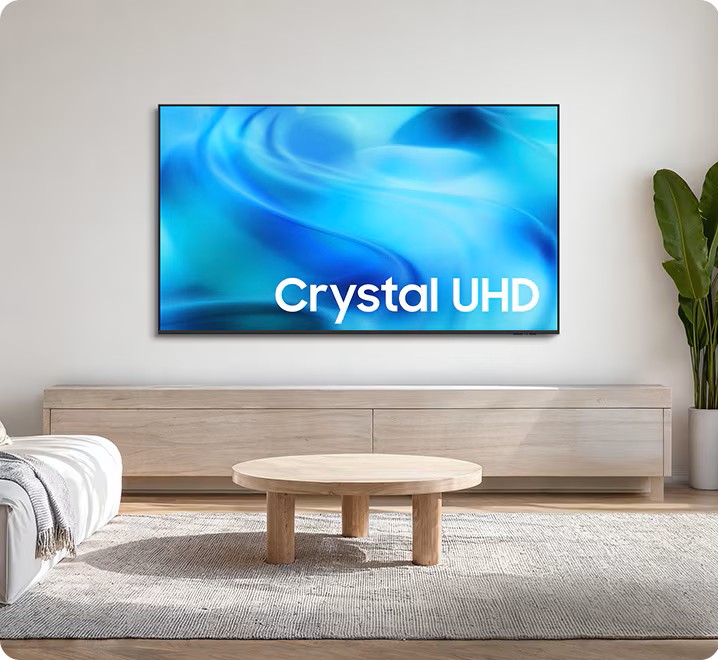
Samsung 4K UHD LED TVs are worth considering for households looking for detailed pictures and a versatile television for everyday entertainment.
These televisions combine 4K resolution with LED backlighting. The result is a display suitable for a wide range of content, including television programmes, movies, online videos and sports, depending on the individual model's features.
Why Consider a 4K UHD LED TV?
One of the main advantages of 4K resolution is the additional detail compared with Full HD. This can be especially useful on larger screens, where the higher pixel count helps produce a more detailed image.
A 4K UHD LED TV may suit a family looking for a television for a shared living room. It can also work well for viewers who want a modern television without necessarily moving to a premium display category.
However, not every 4K LED television has the same brightness, refresh rate, HDR performance or smart features. These specifications vary by model, so it is important to review the product details before purchasing.
Who Should Buy a Samsung 4K UHD LED TV?
Consider this category if the television will mainly be used for everyday viewing, family entertainment and streaming.
It can be a suitable starting point for buyers who want a 4K screen but do not necessarily require the advanced backlighting or display technology available in higher-end categories.
Browse our Samsung 4K UHD LED TV category to compare available models and their specifications.
3. Samsung 4K QLED TVs: Enhanced Colour for Home Entertainment
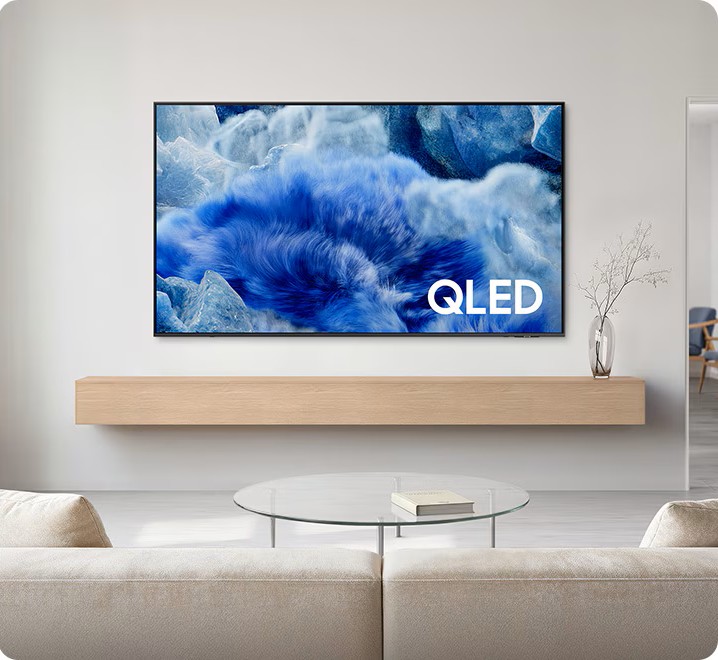
Samsung 4K QLED TVs are designed for viewers who want 4K resolution alongside quantum-dot colour technology.
QLED uses a quantum-dot layer to help produce a broad range of colours. The technology can support vivid, detailed pictures, making it appealing for movies, sports, television shows and other visual content.
What Makes QLED Different?
A conventional LED television uses a backlight and a display panel to produce an image. QLED models add quantum-dot technology to improve colour performance.
This can help produce rich colours across different types of content. Depending on the model, buyers may also find features relating to brightness, HDR, picture processing and gaming.
It is important to remember that QLED is not a single specification shared by every television. Two Samsung QLED models can differ in their backlighting systems, brightness, refresh rates and picture-processing capabilities.
Is a 4K QLED TV Right for Your Home?
A 4K QLED television may be a good fit for households that watch a mixture of movies, sports, series and online content.
It is worth considering if colour performance is a priority but you do not necessarily need the more advanced backlighting found in Neo QLED models.
When comparing options, look at the screen size and the exact model specifications. Check whether the television offers the refresh rate, gaming features and connectivity needed for your intended use.
Explore our Samsung 4K QLED TV range to find a model that matches your entertainment needs.
4. Samsung 4K Neo QLED TVs: Advanced Backlighting and Picture Control
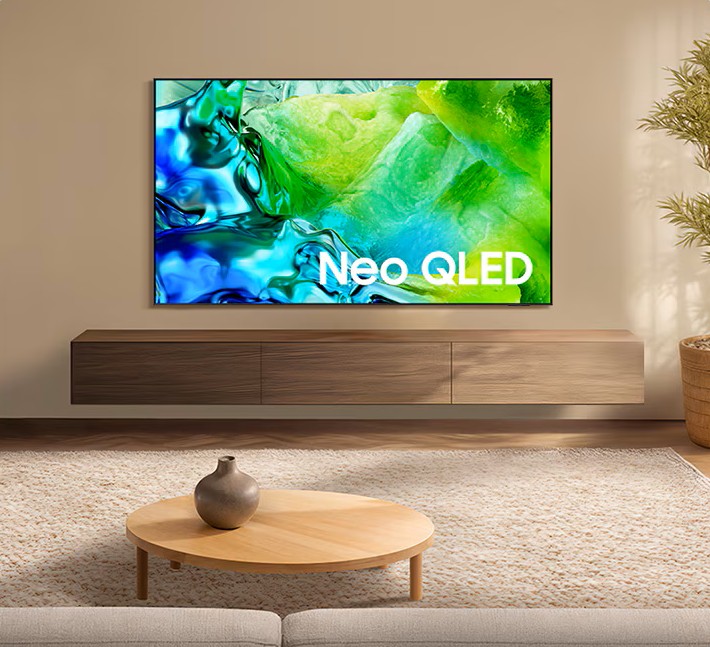
Samsung 4K Neo QLED TVs combine quantum-dot colour technology with Mini LED backlighting. Mini LEDs are much smaller than conventional LEDs, allowing compatible televisions to use more precise local dimming systems.
Local dimming adjusts the brightness of different areas of the backlight. This can help a television display bright highlights alongside darker parts of an image.
Why Does Mini LED Backlighting Matter?
Consider a movie scene showing a bright light against a dark background. A television's ability to control the backlight can affect how clearly it displays the bright object while maintaining detail in the surrounding dark areas.
Mini LED technology can provide more precise backlight control than conventional LED systems, depending on the design of the television.
Neo QLED models can also include advanced picture processing and other premium features. The exact capabilities vary by model and product generation.
Who Should Consider a 4K Neo QLED TV?
This category may appeal to buyers who watch a lot of movies, sports and high-quality streaming content and want advanced picture performance.
It may also be worth considering for a bright living room, although the actual brightness and reflection handling should be checked for the specific model.
If picture quality is a major priority, compare a Neo QLED model with a standard QLED television and an OLED model. Look at the differences in brightness, black levels, viewing conditions and price rather than assuming that one category is best for every situation.
View our Samsung 4K Neo QLED TVs to compare the available options.
5. Samsung 8K Neo QLED TVs: For Buyers Seeking Higher Resolution

Samsung 8K Neo QLED TVs combine 8K resolution with Neo QLED display technology in applicable models.
An 8K screen has four times as many pixels as a 4K screen. This creates the potential for greater image detail, particularly on large displays and when the viewing conditions and content allow the additional resolution to be appreciated.
However, resolution alone does not determine overall picture quality.
Is 8K Better Than 4K?
An 8K television has a higher native resolution than a 4K television, but the difference viewers notice depends on several factors.
These include screen size, viewing distance, content quality and the television's image processing. At a typical viewing distance, some viewers may find it difficult to distinguish 8K from 4K, especially when watching content that is not produced in 8K.
Much of the content people watch is still delivered in lower resolutions. An 8K television may use processing to improve the appearance of lower-resolution material, but this is not the same as viewing content originally produced in 8K.
Who Should Buy an 8K Neo QLED TV?
An 8K Neo QLED TV may suit buyers looking for a premium, large-screen television with advanced display technology.
Before purchasing, consider whether the additional resolution is worth the price difference compared with a 4K Neo QLED model. Think about the size of the screen, the type of content watched and how far away people will sit.
For many households, a high-quality 4K television may provide excellent picture quality and better value. For others, 8K may be an appealing premium option.
Browse our Samsung 8K Neo QLED TV category to review available models and their specifications.
6. Samsung OLED TVs: Deep Blacks and High Contrast
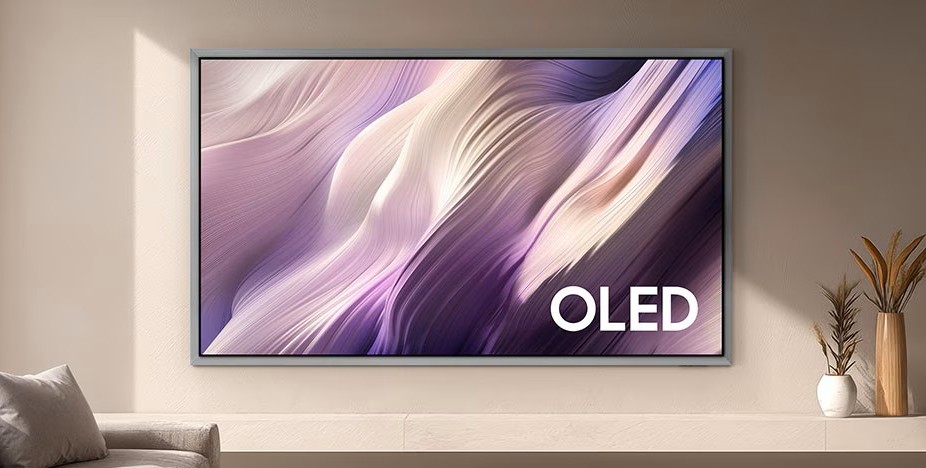
Samsung OLED TVs use self-emissive pixels. Unlike a conventional LED television, an OLED screen does not need a separate backlight to illuminate the image.
Each pixel can produce its own light and switch off when displaying black. This allows OLED televisions to produce very deep blacks and strong contrast between bright and dark areas.
Why Are OLED TVs Popular for Movies?
Movies often contain scenes with shadows, night-time settings and small bright objects against dark backgrounds. OLED technology can display these scenes with excellent black levels because individual pixels can turn off.
OLED screens can also provide vibrant colours and fast pixel response times. These characteristics can benefit movie enthusiasts and gamers, although the exact gaming features depend on the model.
What Should You Consider Before Buying OLED?
OLED is not automatically the best option for every viewing environment.
Consider how bright the room is, how many hours the television will be used each day and what type of content will remain on the screen for long periods. OLED televisions have specific considerations around image retention and long-term display care, although modern models include features designed to help manage these risks.
Also compare the model's brightness, screen size, refresh rate, HDMI capabilities and available smart features.
Who Should Choose a Samsung OLED TV?
OLED is worth considering for viewers who prioritise cinematic picture quality, deep blacks and high contrast.
It may be especially appealing for evening viewing, movies and gaming in a controlled lighting environment. Buyers who frequently watch television in a bright room should compare the specific OLED model against suitable Neo QLED or other LED-based options.
Explore our Samsung OLED TV to review the available models.
7. Samsung Mini LED TVs: More Precise Control of Brightness
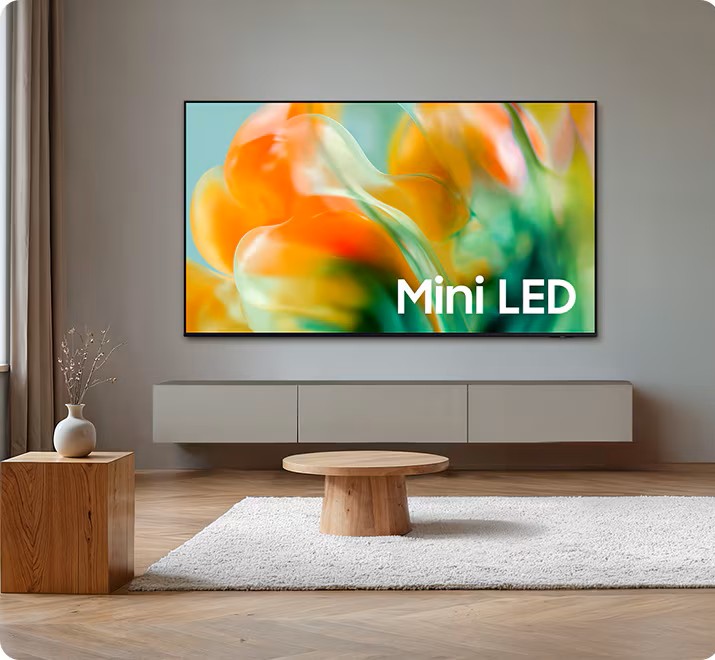
Mini LED is a backlighting technology that uses very small LEDs to illuminate an LCD panel. Because the light sources can be arranged in numerous dimming zones, compatible televisions can control brightness across different areas of the screen.
This can improve contrast and help a television handle scenes that contain both bright highlights and darker details.
How Is Mini LED Different From Regular LED?
The main difference is the size of the backlight LEDs and the potential for more precise light control.
Conventional LED televisions can deliver good picture quality, but their backlight systems may have less control over individual areas of the image. Mini LED technology allows more sophisticated backlighting designs.
The results depend on the number and arrangement of dimming zones, the panel, image processing and other design choices. A Mini LED label alone does not guarantee that every model will perform identically.
Should You Buy a Samsung Mini LED TV?
Consider Mini LED if you want to investigate a television with advanced backlighting but want to compare it with other technologies before deciding.
It may suit viewers who enjoy movies, sports and other content with a wide range of brightness levels. Compare the specific model's resolution, HDR capabilities, refresh rate and other features before making a final decision.
It is also important to check the exact product description. Samsung's television categories and marketing terminology can overlap, and some Neo QLED televisions also use Mini LED backlighting.
Visit our Samsung Mini LED TV category to see the models listed in this range.
8. Samsung Micro RGB TVs: A Different Approach to Colour and Light
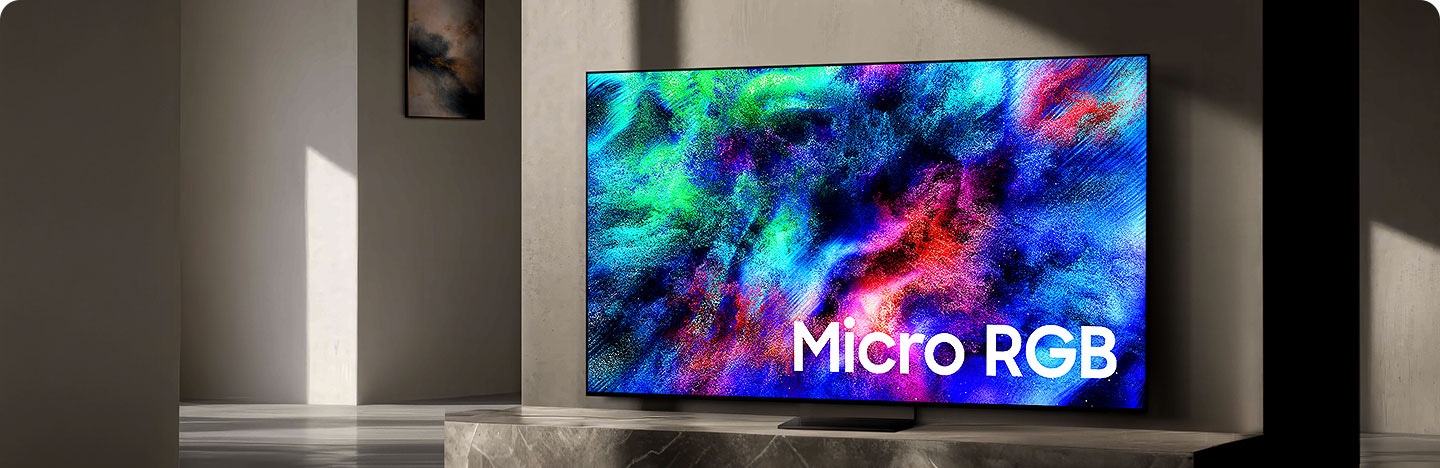
Micro RGB is a newer display technology category that uses individually controlled red, green and blue light sources. Rather than relying on a conventional white backlight with colour filters, the approach is designed to produce colours by controlling red, green and blue light directly.
The aim is to improve colour reproduction and provide more precise control of the image.
What Should Buyers Know About Micro RGB?
Micro RGB is distinct from OLED and from conventional Mini LED backlighting. Each technology uses a different approach to producing or controlling light.
Because Micro RGB is an emerging premium display category, it is important to review the specifications and features of the exact Samsung model available for purchase. Screen size, resolution, processing features, connectivity and supported formats can vary.
Buyers should also compare the price with other premium Samsung television technologies to determine whether the benefits match their viewing needs.
Who Should Consider a Micro RGB TV?
This category may appeal to buyers who are interested in newer display technology and want to investigate Samsung's premium television options.
It is particularly important to compare real product specifications rather than choosing based on the technology name alone. Consider the viewing environment, screen size, picture performance and budget before deciding.
Explore our Samsung Micro RGB TV category to review the available range.
9. Samsung Full HD TVs: An Option for Everyday Viewing

Full HD televisions offer a resolution of 1920 × 1080 pixels. Although 4K televisions provide more pixels, Full HD can still be a practical choice for certain rooms and viewing needs.
For example, a smaller television in a bedroom or another compact space may not require the same resolution or premium features as a large living-room display.
When Does Full HD Make Sense?
Full HD may be worth considering when the screen is relatively small, the viewing distance is suitable and the main purpose is everyday entertainment.
It can be an option for viewers who want a straightforward television for regular programmes and other compatible content without prioritising premium picture technologies.
However, buyers should check the exact model specifications carefully. Some smaller Samsung televisions are HD rather than Full HD, so the resolution should be confirmed on the product page instead of assumed from the screen size.
Is Full HD Better Value Than 4K?
The answer depends on the specific televisions being compared.
A Full HD model may cost less than a comparable 4K television, but the difference in price and features varies. Buyers should compare screen size, resolution, smart capabilities, connectivity and intended use.
If the television will be used for gaming, high-resolution streaming or viewing from a relatively short distance, a 4K model may be worth considering.
Browse our Samsung Full HD TV category to compare available televisions and confirm each model's resolution.
10. Samsung Interactive Screens: Beyond Home Entertainment
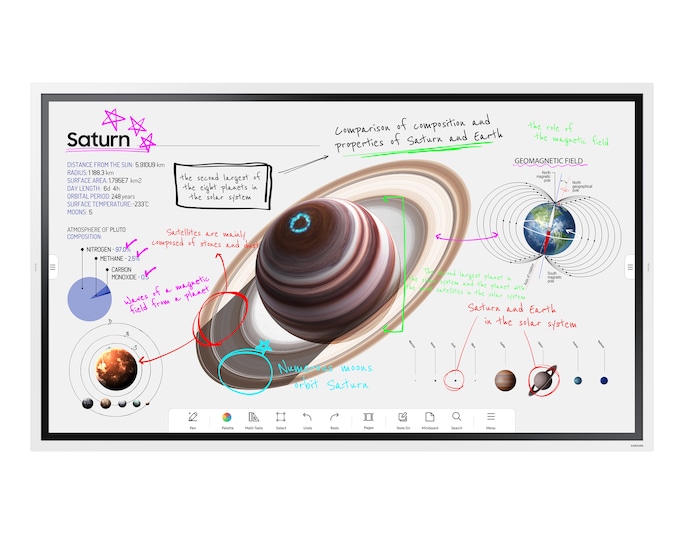
Not every screen belongs in a living room. Samsung interactive screens and professional display products are designed for settings such as offices, classrooms, meeting rooms and other business environments.
These products serve a different purpose from conventional home televisions. Depending on the model, they may support touch interaction, presentations, collaboration, digital signage or other professional display tasks.
What Are Interactive Screens Used For?
In a classroom, an interactive display can support lessons, annotations and collaborative activities. In a meeting room, it can help teams present information and work with shared content.
Businesses may also need professional signage displays for information, promotions or visual communication in commercial spaces.
The exact features depend on the product. A professional display may not offer the same functions as a Smart TV, so it is important to check the operating system, supported applications, connectivity, touch capabilities and intended usage.
Should You Buy an Interactive Screen Instead of a TV?
For ordinary home entertainment, a conventional Samsung television is usually the more relevant category to explore.
For an organisation that needs a display for collaboration, education, presentations or business communication, an interactive screen may be more suitable.
Before purchasing a professional display, consider the installation location, screen size, operating hours, software requirements and the number of people who will use it.
Explore our Samsung Interactive Screens category to compare professional display options.
11. Which Samsung TV Is Best for Movies?
If movies are the main reason for buying a television, pay close attention to contrast, black levels, colour performance and HDR support.
OLED televisions are worth considering because individual pixels can switch off to produce deep blacks. This can help dark scenes look more defined.
Neo QLED and Mini LED televisions are also worth comparing, particularly if the room is bright or the buyer wants to investigate models with strong brightness and advanced backlighting.
QLED and 4K UHD LED televisions can also be suitable for movie viewing. The experience depends on the model's picture quality and the content being watched.
When comparing televisions for movies, consider these factors:
-
Contrast: How clearly the television displays dark and bright parts of a scene.
-
Brightness: How well the screen displays bright scenes and HDR highlights in the intended room.
-
Colour: Whether colours look natural and detailed across different types of content.
-
Screen size: Whether the display creates an immersive experience at the available viewing distance.
-
HDR support: Which high-dynamic-range formats the model supports.
-
Audio: Whether the built-in speakers are sufficient or an external soundbar would be useful.
For a home cinema setup, also think about the room's lighting and seating arrangement. A television with excellent specifications may not deliver the experience you expect if the screen is too small for the room or positioned where it receives distracting reflections.
12. Which Samsung TV Is Best for Sports?
Sports viewers often value smooth motion, clear details and a screen large enough for several people to watch comfortably.
Football, athletics and other fast-moving events can benefit from a television with good motion processing. Buyers should also consider the native refresh rate, especially if they watch a lot of fast-paced content.
Do not assume that every Samsung television marketed as a gaming or premium model has the same refresh rate. Check the specific product's specifications.
Screen size also matters. A larger display can make it easier to follow the action when several people are watching from different seats, provided the room has enough space.
Neo QLED, QLED, OLED and other 4K models may all be worth considering. Compare their motion handling, brightness, viewing angles and price before choosing.
Finally, consider the quality of the sports broadcast. A television cannot restore detail that is missing from a low-quality source, although its image processing may improve how some content appears.
13. Which Samsung TV Is Best for Gaming?
Choosing a gaming television involves more than selecting a high-resolution screen. The right model should support the gaming console or PC and provide the features needed for the types of games played.
Check the Refresh Rate
Refresh rate describes how many times a display can refresh its image each second. A higher refresh rate can support smoother gameplay when the connected device and game can provide the necessary frame rate.
However, not all televisions support the same refresh rates. Check the native refresh rate of the model rather than relying on general descriptions of the product category.
Look at HDMI Connectivity
HDMI ports connect gaming consoles, streaming devices and other equipment. Some gaming features depend on the HDMI standard supported by the television.
If you intend to use a modern gaming console, confirm whether the television supports the required features, including any relevant high-refresh-rate input, variable refresh rate or automatic low-latency mode.
Also check how many compatible HDMI ports are available. This matters if you plan to connect several devices at once.
Consider Input Lag and Response Time
Input lag is the delay between a command and its appearance on screen. Lower input lag can make controls feel more responsive.
Response time relates to how quickly pixels change from one state to another and can affect motion clarity. These are different measurements, so it is useful to look for model-specific information when gaming performance is a priority.
Should Gamers Choose OLED or Neo QLED?
Both can be worth considering, depending on the specific model.
OLED can offer excellent contrast and fast pixel response. Certain Neo QLED models may appeal to gamers who want a bright screen alongside advanced gaming features.
Compare the specifications of the exact televisions you are considering. Check supported refresh rates, HDMI features, input lag information, screen size and price before making a decision.
14. How to Choose the Right Samsung TV Size
The ideal screen size depends on the room, seating distance and personal preference.
Before buying, measure the available space and consider where viewers will sit most of the time. A television that fits the wall may still be uncomfortable to watch if the seating is too close.
For a Bedroom
A smaller television may be suitable for a bedroom, particularly where the viewing distance is limited. Consider whether the TV will be mounted on a wall or placed on furniture.
Make sure the screen can be viewed comfortably from the bed and that the installation does not block other furniture or access points.
For a Living Room
A living room may accommodate a larger screen, depending on its dimensions and layout. Think about the distance between the sofa and television and whether the display will be viewed from different seats.
If the room is used by several family members, consider the viewing angles and whether the screen is positioned at a comfortable height.
For a Dedicated Home Cinema
A dedicated entertainment room may be suitable for a larger screen and a more immersive viewing setup.
Here, picture technology, contrast, HDR support and audio may become more important. Check the screen size against the viewing distance rather than choosing the largest available model automatically.
For an Office or Classroom
Professional spaces may require interactive screens or commercial displays rather than a conventional home television.
Consider how the screen will be used, the number of viewers, the software required and whether touch interaction is necessary.
15. Smart TV Features to Check Before Buying
Smart TV features can make a television more convenient, but the available functions vary by model.
Before making a purchase, confirm the following:
Operating system and applications: Check which applications are supported and whether the services used most often are available.
Internet connectivity: Confirm the supported network options and whether they are suitable for the intended installation.
HDMI ports: Check how many ports are available for gaming consoles, soundbars, decoders and streaming devices.
USB ports: These may be useful for compatible storage devices and accessories, depending on the television.
Screen mirroring and device compatibility: If you want to display content from a phone or computer, confirm which connection and mirroring features the model supports.
Voice control: Some models support voice assistants or voice commands, but availability and functions can vary.
Software updates: Review the manufacturer's support information for the model and understand that update availability can depend on the device and region.
It is best to confirm these features on the product page before buying. Similar Samsung televisions can have different specifications even when they belong to the same broad category.
16. Should You Buy a Samsung TV Online in Kenya?
Shopping online can make it easier to compare television categories and review product specifications before making a decision.
When buying online, start by checking the exact model name and product code. This helps avoid confusion between televisions that look similar but have different features.
Review the listed screen size, resolution, display technology, connectivity and smart features. If any specification is unclear, ask the seller to confirm it before placing the order.
Also check the current price, stock status, delivery arrangements, payment options and applicable warranty terms. These details can change and should be confirmed at the time of purchase.
Samsung Brand Store Kenya provides a range of television categories to browse, helping shoppers compare options based on their preferred technology and intended use. You can start with the TV category that best matches your needs and then review the available product listings.
17. How to Compare Samsung TVs Before Making a Decision
If you are choosing between several Samsung televisions, compare them using the same criteria rather than looking at one specification in isolation.
Start with screen size and resolution. These establish the basic display format and help you determine whether the television suits the room.
Next, compare the display technologies. Decide whether you are more interested in the contrast characteristics of OLED, the quantum-dot colour technology of QLED, the advanced backlighting of Neo QLED and Mini LED, or the higher resolution of an 8K model.
Then review the features that matter for your main activities. Gamers may prioritise refresh rate, HDMI features and input lag. Movie enthusiasts may focus on contrast, HDR and screen size. Families may place more importance on ease of use, application support and connectivity.
Finally, compare the current prices and product details. A higher-priced television is not automatically the best choice for every household. The goal is to find the right combination of features for the available budget.
18. Common Mistakes to Avoid When Buying a Samsung TV
Choosing Screen Size Without Measuring the Room
A large television may look appealing in a product listing, but it should fit the available space and viewing distance. Measure the installation area before choosing a model.
Assuming All 4K TVs Have the Same Picture Quality
Resolution is important, but it does not determine everything. Backlighting, contrast, brightness, colour reproduction and image processing also affect the viewing experience.
Buying Based on the Technology Name Alone
QLED, Neo QLED, OLED and Mini LED describe different display technologies, but the specifications can vary between models. Always compare the exact product details.
Ignoring Gaming Requirements
If the television will be used for gaming, check the supported refresh rates, HDMI features and other relevant capabilities. Do not assume that every 4K television supports every modern gaming feature.
Forgetting About Sound
The picture is only one part of the entertainment experience. Think about whether the built-in speakers will be sufficient for the room or whether you may want to add a compatible soundbar.
Failing to Confirm Warranty and Delivery Terms
Before paying, review the applicable warranty information, delivery terms and return policy. Make sure you understand what applies to the exact product and order.
19. Which Samsung TV Should You Buy? A Quick Guide
The following table provides a starting point for comparing the categories available at Samsung Brand Store Kenya.
| TV Category | Main Feature to Consider | May Suit |
|---|---|---|
| 4K UHD LED TVs | 4K resolution with LED backlighting | Everyday family viewing and general entertainment |
| 4K QLED TVs | Quantum-dot colour technology and 4K resolution | Viewers who want vivid colour and versatile entertainment |
| 4K Neo QLED TVs | Quantum-dot colour technology with Mini LED backlighting | Buyers interested in advanced backlight control and premium picture features |
| 8K Neo QLED TVs | 8K resolution and Neo QLED technology | Buyers seeking a premium large-screen display and higher native resolution |
| OLED TVs | Self-emissive pixels and deep blacks | Movie enthusiasts and viewers who prioritise contrast |
| Mini LED TVs | Small backlight LEDs and local dimming | Buyers comparing advanced backlighting options |
| Micro RGB TVs | Individually controlled red, green and blue light sources | Buyers interested in newer premium display technology |
| Full HD TVs | 1920 × 1080 resolution | Selected smaller-screen and everyday viewing needs |
| Interactive Screens | Interactive and professional display functions, depending on model | Offices, classrooms, meeting rooms and business environments |
This table is a general guide, not a ranking. The best television for you depends on the exact model specifications, room conditions, content and budget.
20. Find the Right Samsung TV at Samsung Brand Store Kenya
Choosing a television becomes simpler when you start with how you plan to use it. Think about the room, screen size, viewing distance and the features that matter most before comparing individual models.
If you want a versatile television for everyday viewing, begin by comparing Samsung 4K UHD LED and QLED models. If advanced picture performance is a priority, look at the available Neo QLED, OLED and Mini LED options. If you are interested in higher resolution, compare 8K Neo QLED televisions while considering the availability of suitable content. Buyers who need professional displays can explore interactive screens instead of conventional home televisions.
At Samsung Brand Store Kenya, you can browse the available TV categories and compare products to find an option that matches your needs. Review each listing carefully, confirm the latest price and availability, and check the specifications and applicable purchase terms before ordering.
Ready to choose your next television? Browse our Samsung TV range and compare the available models to find the right fit for your home, entertainment setup or business.